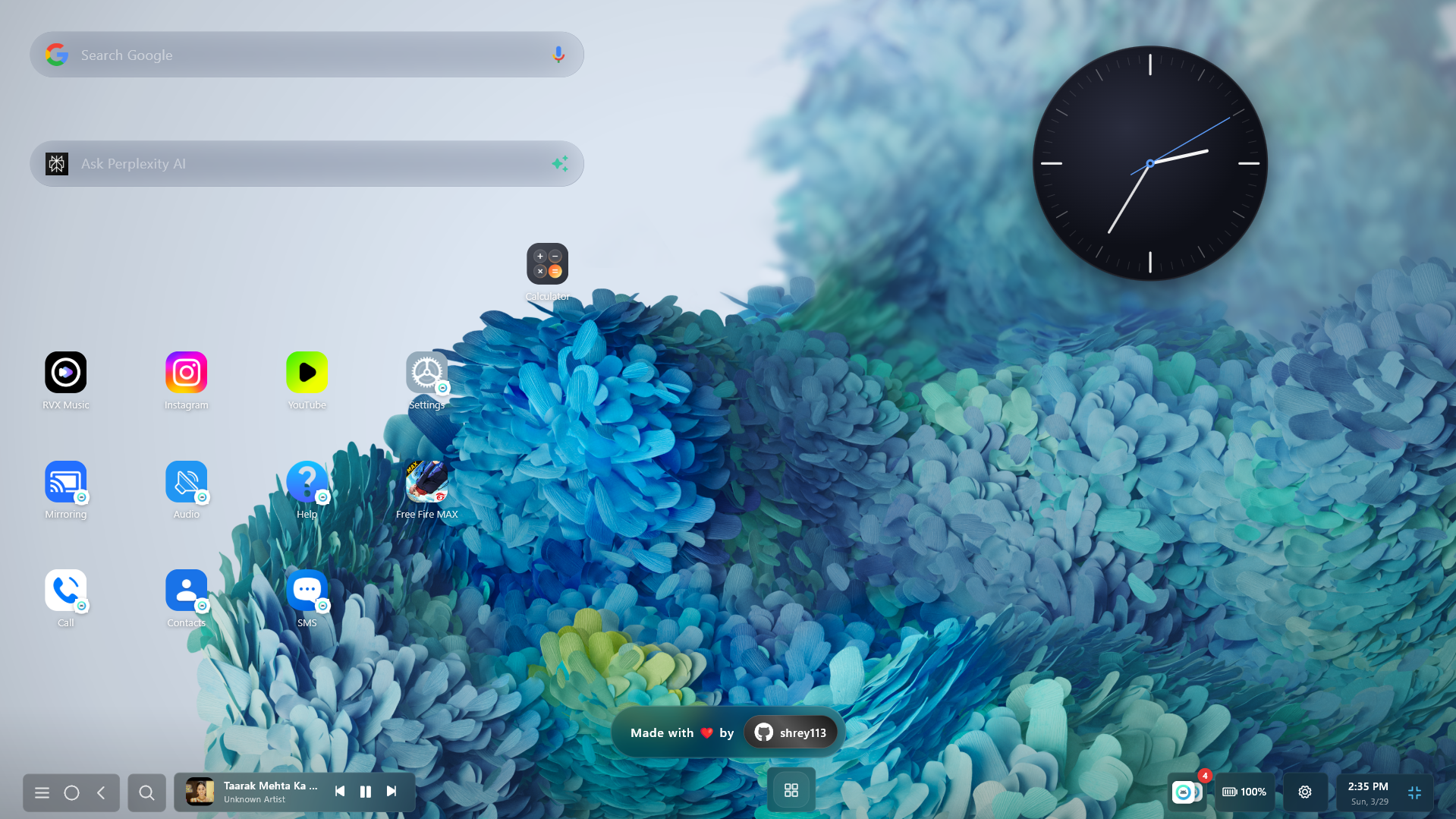
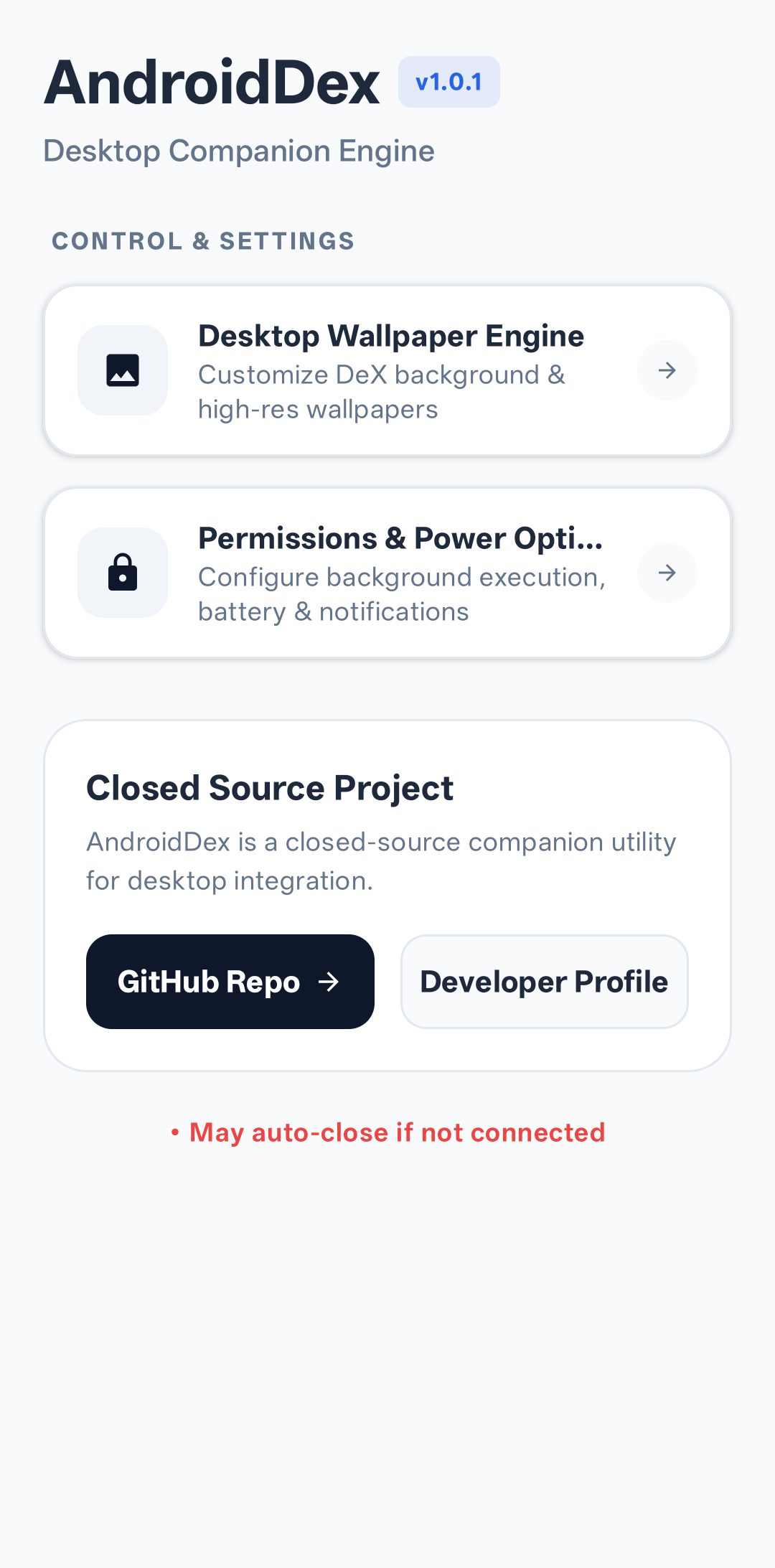
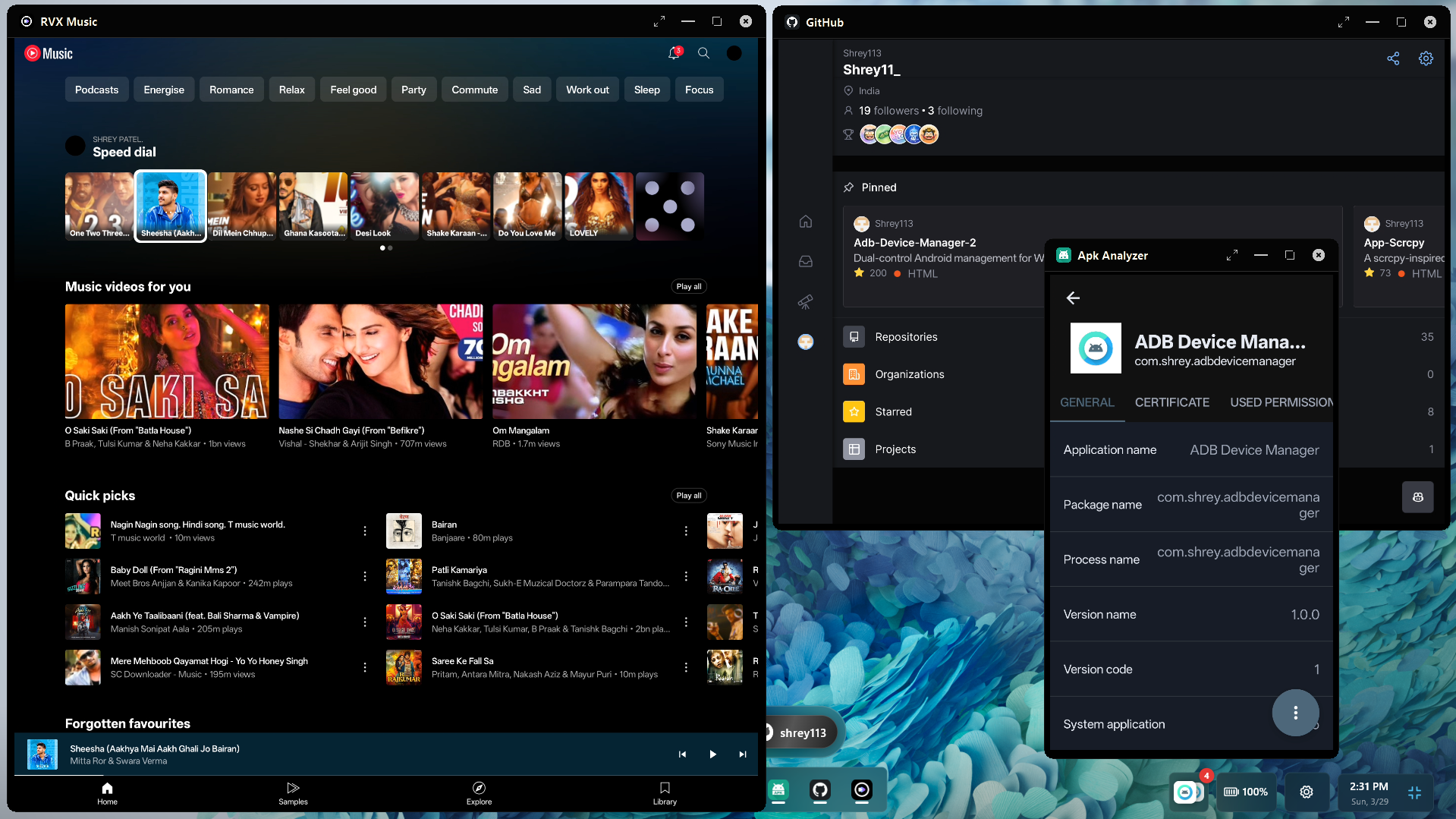
Quick Start

Connect your device via USB or Wi-Fi to begin. The system auto-detects your device and initiates the secure handshake protocol.

Mode Setup
USB Plug in your phone ยท Enable **USB Debugging**
Wi-Fi Same network ยท Enable **Wireless Debugging**

Launch Options

# Auto-detect โ€” recommended for first use
android_dex_win.exe

# Force USB connection
android_dex_win.exe --usb

# Connect to a specific IP address
android_dex_win.exe 192.168.1.100

# Connect with explicit port
android_dex_win.exe 192.168.1.100:5555

Smart Auto-Detection: With no arguments, the app scans for available devices. One device found โ†’ connects automatically. Zero or multiple โ†’ the ADB Manager dialog opens to let you choose โ€” no restart needed.

The Handshake Protocol

A three-layer cryptographic-style handshake ensures all components are ready before the desktop UI unlocks.

sequenceDiagram participant PC as Windows Side (Flutter/ADB) participant JAR as Android Logic Engine (Java JAR) participant APK as Android App Hub (Kotlin APK) Note over PC: 1. ADB Initialization (startAdbBlocking) PC->>PC: 2. Local Server Setup (JarServer & ApkServer .start) Note over PC,JAR: Phase 1: Engine Deployment (Bridge) PC->>JAR: Push JAR to Device (via ADB Pipe) PC->>JAR: Launch JAR Runtime (adb.startJarRuntime) JAR-->>PC: Handshake Response: "jar.hello" (Logic Engine Ready) Note over PC,APK: Phase 2: Feature Manager Startup (Hub) PC->>APK: Check Install & Install if Missing PC->>APK: Trigger Service startup (ServerStartService) APK-->>PC: WebSocket Handshake: "apk.hello" (App Hub Ready) PC->>APK: 3. Start Extended Notification & Media Services Note over PC,APK: System Synchronized: Desktop UI Unlocked

Key Features

Feature Description
Multi-Window AppsEach Android app runs in its own resizable, movable Windows window
Live TelemetryReal-time Battery, Volume, Wi-Fi, BT, Data & more
NotificationsAndroid notifications pushed instantly to Windows desktop
Media ControlArtwork, metadata & playback controls
Low LatencyShell-level commands bypass UI overhead
Auto-HealingMulti-stage recovery restores connection seamlessly